原始内容

A local AI agent that can build, test, and reuse its own tools
Agenvoy runs on your machine, handles multi-step work, searches local files, schedules recurring tasks,
and exposes its tool library to other agents through MCP.


English · 繁體中文
Why Agenvoy
- Build missing tools instead of stopping
- Share one sandboxed tool library across Agenvoy, Claude Code, Codex, and more
- Run local workflows with scheduling, memory, and file search
- Use it as both an agent app and an MCP server
What you can do with it
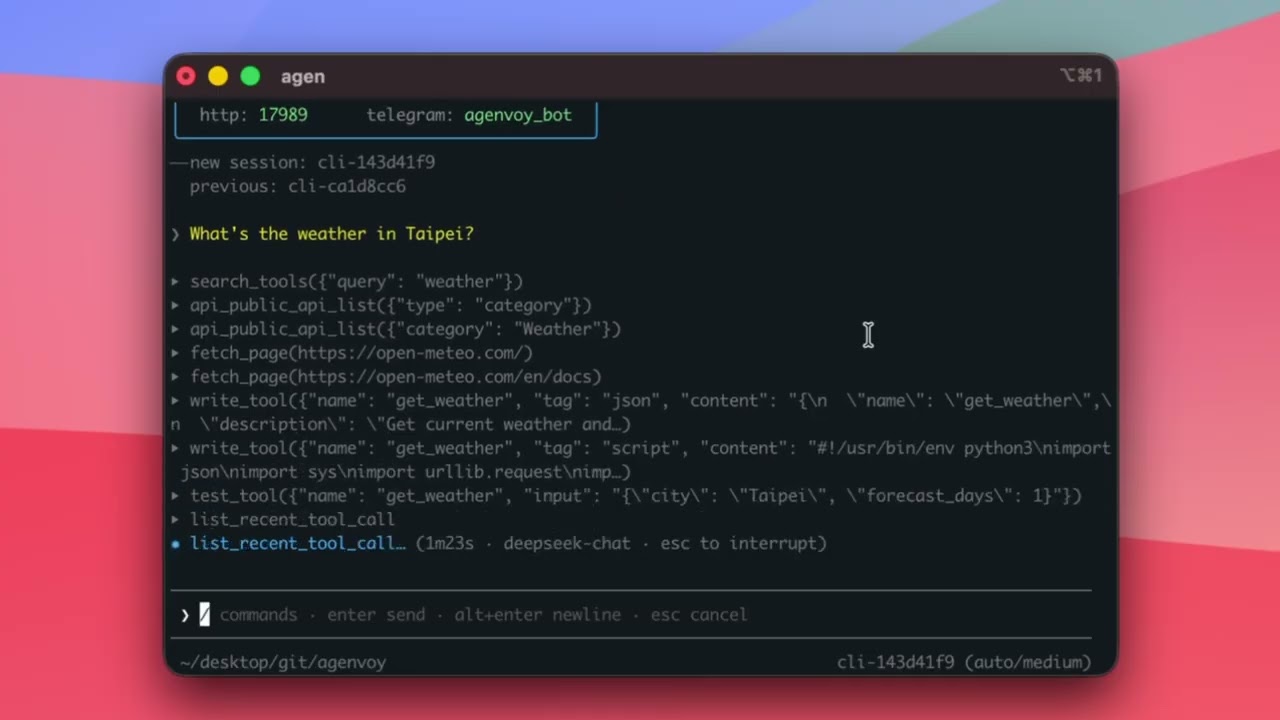
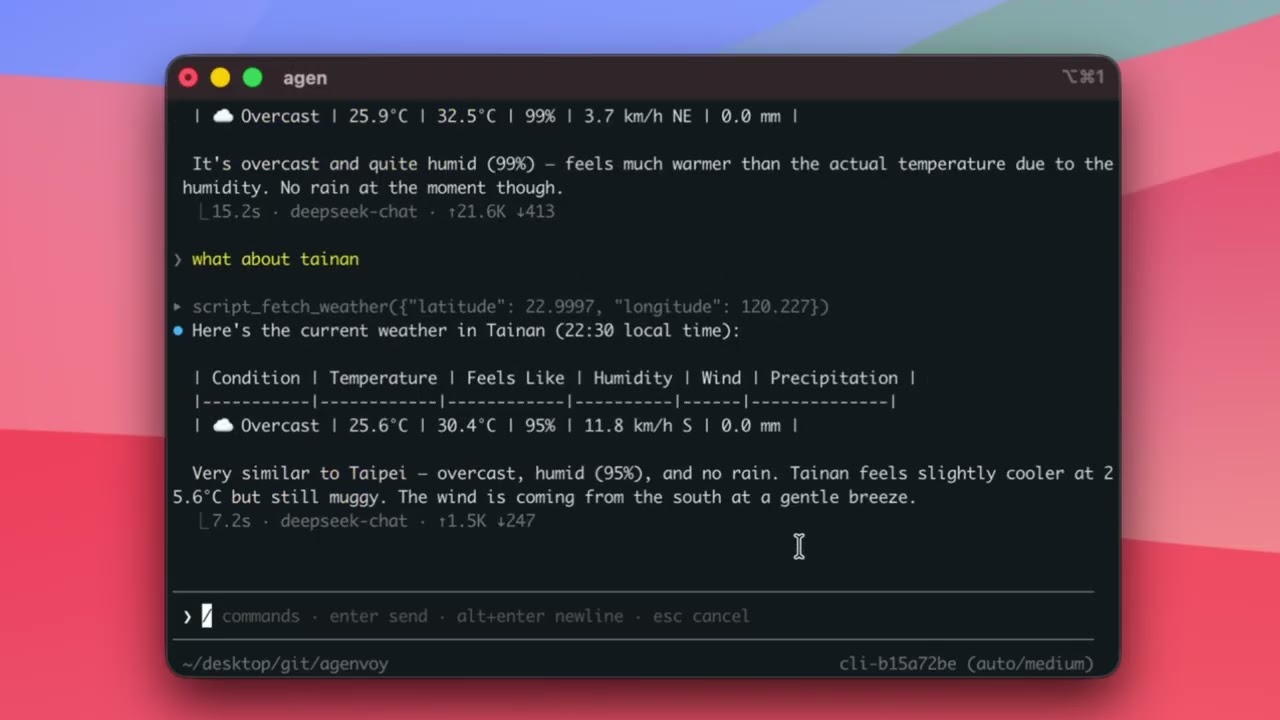
Ask for live answers
|
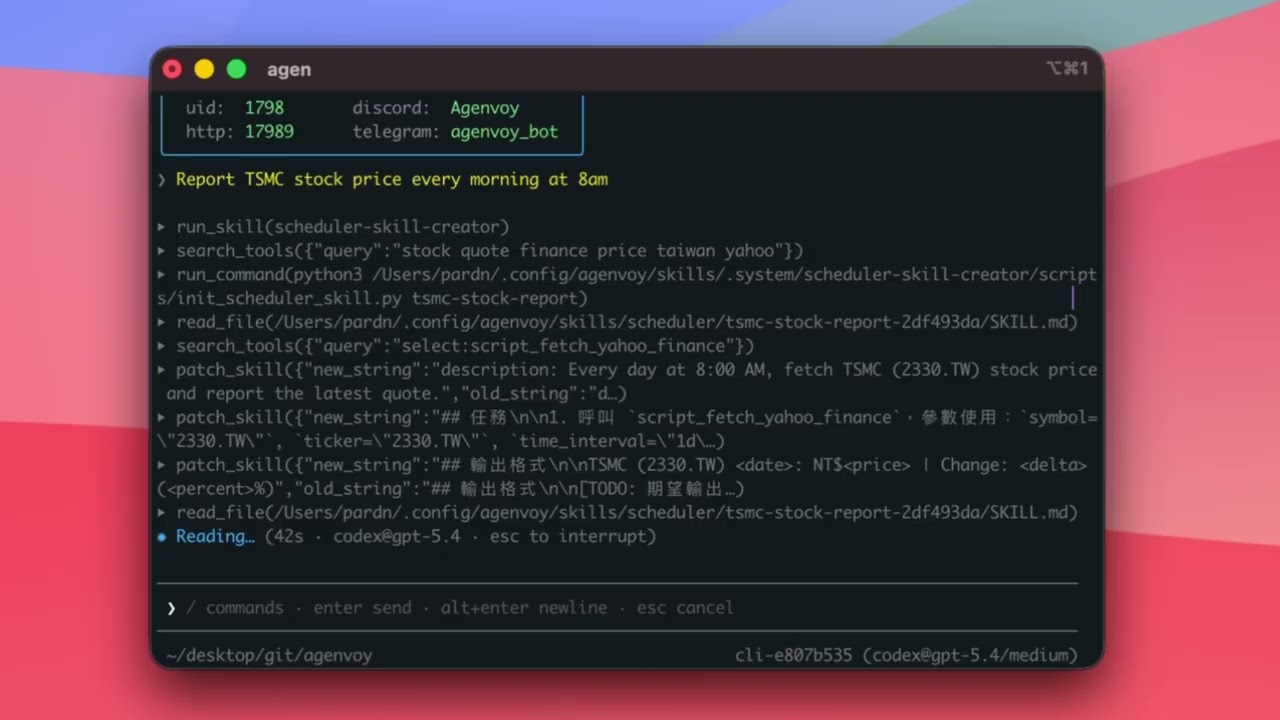
Turn one sentence into automation
|
|
|
Ask your local files questions
|
Finish multi-step work
|
|
|


Works with the agents you already use
Agenvoy is also an MCP server.
Claude Code, Codex, OpenCode, and other AI agents can connect and:
- Use all your sandboxed tools
- Auto-build new tools when none exist
- Share every tool across all agents
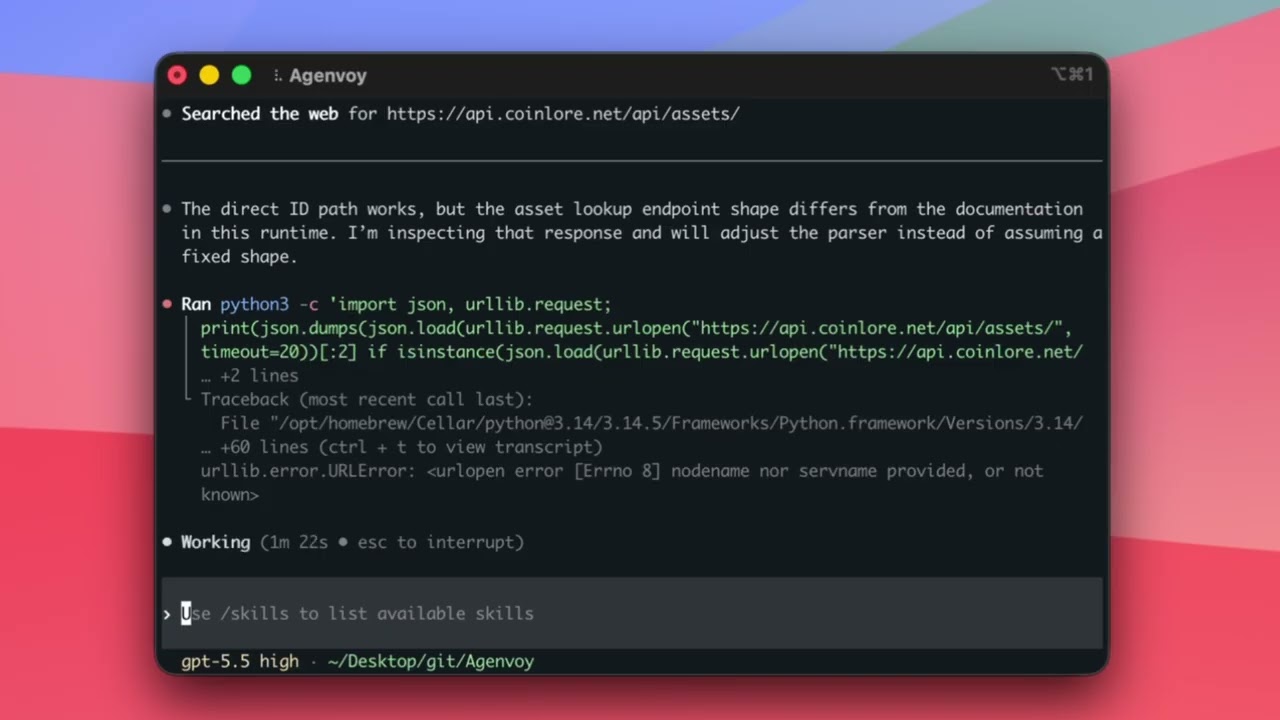
One line of config. Instant shared tool library. Tools created in the demo:
fetch_weather·fetch_crypto_price
Claude Code creates a weather tool (1) |
Codex reuses it and creates a crypto tool (2) |
Agenvoy tests both tools (3) |
|
|
|

Who it's for
Agenvoy is for developers, technical operators, and AI-heavy workflows that need more than chat:
- People who want local execution with guardrails
- Teams that want reusable tools across agents
- Users who need automation, file search, and scheduled reporting in one place
Core capabilities
| Capability | Description |
|---|---|
| Auto tool generation | Builds and saves tools when they're missing |
| Self-scheduling | Create cron jobs with a single sentence |
| Long-term memory | Retains key info and context |
| File search | Answers from your local files |
| Sub-Agent | Multi-agent collaboration |
| MCP client | Connect to external MCP services |
| MCP server | Expose sandboxed tools to any MCP-compatible agent |
| Tool Market | Share and install tools |
| Transcription | Audio and video to text |
| Self-improvement | Auto-fixes after execution failures |
Web Dashboard
Open web.agenvoy.com in your browser to reach the dashboard once the daemon is running on your machine.
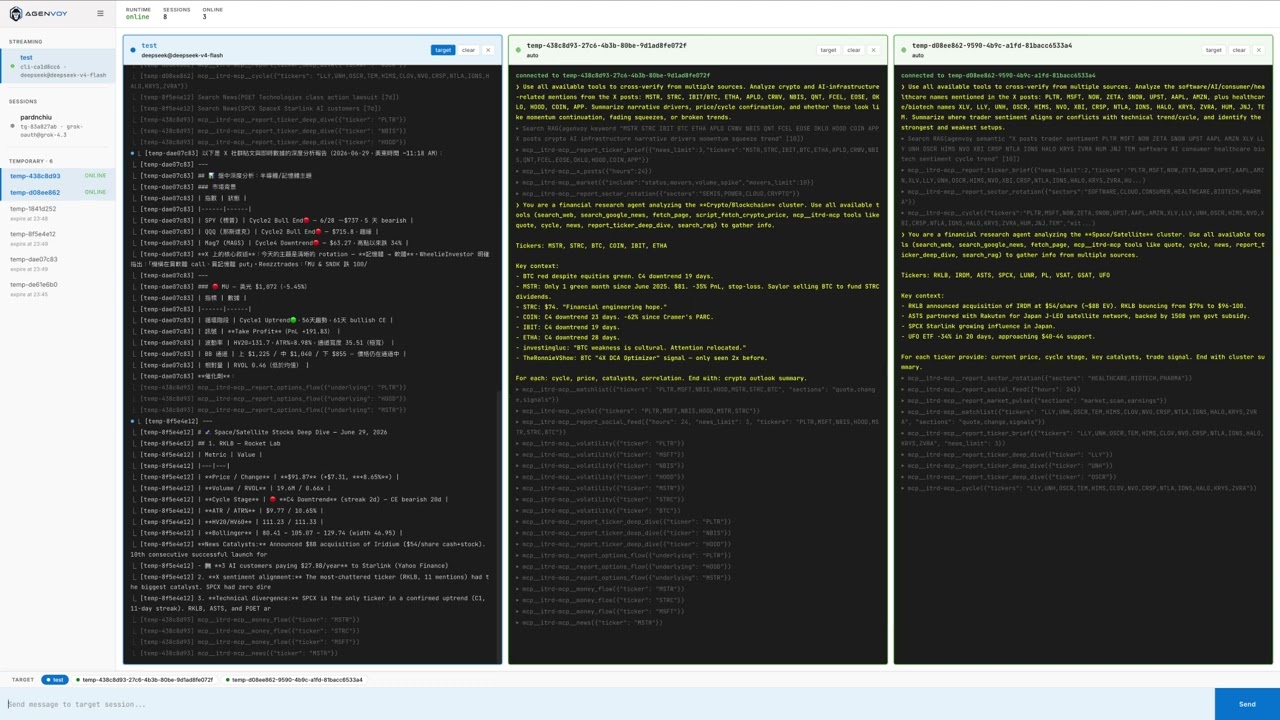
▶ Watch the Web Dashboard walkthrough
One-line install
On MacBook, also run
sudo pmset -c sleep 0to prevent sleep from interrupting schedules.
curl -fsSL https://agenvoy.com/scripts/install.sh | bash
Developer Recommendations
A cost-effective model setup to get started:
- Apply for a free NVIDIA NIM API token, then use it for:
gpt-oss-20bas the dispatcher modelgpt-oss-120bas the fallback and summary model
- Use a subscription plan as your primary model:
- OpenAI ChatGPT Plus ($20/mo)
- SuperGrok ($30/mo)
How it compares
| Agenvoy | OpenClaw | Hermes-agent | |
|---|---|---|---|
| Install | One command, single binary | pnpm monorepo | pip + docker |
| Multi-model | Auto-picks | Manual switch | Manual switch |
| Chat UI | Buttons / menus / modals | Text only | Text only |
| Builds missing tools | ✅ | ❌ | ⚠️ Skill only |
| Shares tools across agents | ✅ | ❌ | ❌ |
| Works as MCP server | ✅ | ❌ | ❌ |
| Chat verification | 6-digit code | Manual approval | Manual approval |
| Cross-session push | ✅ | ❌ | ⚠️ Limited |
| File search | Semantic + keyword | Chat memory only | Chat memory only |
| Scheduled local workflows | ✅ | ❌ | ⚠️ Limited |
Docs
Full documentation at agenvoy.com/docs
- Getting Started
- Sessions & Agents
- Providers
- Built-in Tools
- MCP Server
- MCP Client
- Memory System
- Skill System
- Sandbox
- Architecture
License
This project is licensed under the Apache License 2.0.
Community Contributors


Contributor
Just open an issue to share an idea.
©️ 2026 邱敬幃 Pardn Chiu