---
slug: "app-state-diagram"
source_type: "readme"
source_url: "https://cdn.jsdelivr.net/gh/alps-asd/app-state-diagram@master/README.md"
repo: "https://github.com/alps-asd/app-state-diagram"
source_file: "README.md"
branch: "master"
---
# app-state-diagram
[](https://codecov.io/gh/koriym/app-state-diagram)
[](https://shepherd.dev/github/alps-asd/app-state-diagram)
[](https://github.com/alps-asd/app-state-diagram/actions/workflows/continuous-integration.yml)
[](https://github.com/alps-asd/app-state-diagram/actions/workflows/release-app-state-diagram.yml)
[](https://github.com/alps-asd/app-state-diagram/actions/workflows/release-asd-action.yml)
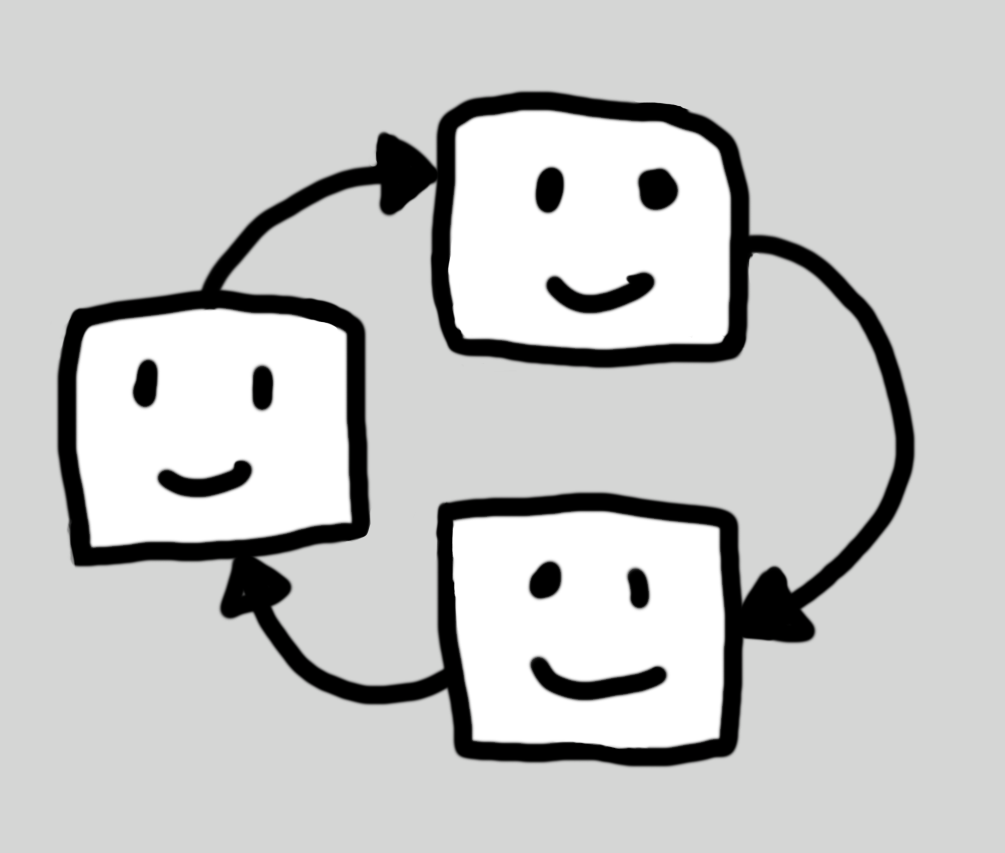 **app-state-diagram** is a tool that visualizes state transitions and information structures of RESTful applications. It generates interactive state diagrams and hyperlinked documentation from ALPS (Application-Level Profile Semantics) profiles written in XML or JSON.
[](https://www.app-state-diagram.com/app-state-diagram/bookstore/)
## Key Benefits
- **Application Overview**: Visually grasp complex RESTful applications and understand the big picture
- **Clear Information Semantics**: See how data flows and what each element means
- **Enhanced Team Communication**: Both technical and business teams can discuss using the same visual representation
- **Design Consistency**: Represent application structures uniformly and discover design issues early
## Quick Start
### Online Editor (No Installation)
[https://editor.app-state-diagram.com/](https://editor.app-state-diagram.com/)
### Install with Homebrew (Recommended)
```bash
brew install alps-asd/asd/asd
```
Auto-updates with `brew upgrade`.
### Install with Composer
Prerequisites: PHP 8.1+, Composer
```bash
composer require koriym/app-state-diagram
```
### Try It
```bash
curl -O https://raw.githubusercontent.com/alps-asd/app-state-diagram/master/docs/bookstore/alps.xml
asd alps.xml # or ./vendor/bin/asd for Composer
open index.html # on macOS
```
## CLI Options
```bash
asd [options]
```
| Option | Description |
|--------|-------------|
| `--mode=html` | Generate interactive HTML (default) |
| `--mode=markdown` | Generate markdown documentation |
| `--mode=svg` | Generate SVG diagrams for embedding |
| `--watch`, `-w` | Enable watch mode with live browser sync |
| `--port=N` | Set development server port (default: 3000) |
**SVG mode** generates two standalone SVG files:
- `profile.svg` - Main diagram with descriptor IDs
- `profile.title.svg` - Diagram with human-readable titles
> Tip: Install Graphviz (`dot`) for better multibyte character rendering.
## Examples
See these live demos:
- [Demos](https://www.app-state-diagram.com/app-state-diagram/)
## Design Application with AI and IA
See [AI Integration Guide](https://www.app-state-diagram.com/app-state-diagram/ai-integration.html) for setting up Claude Code, MCP Server, or other AI tools.
## Documentation
- [Quick Start Guide](https://www.app-state-diagram.com/manuals/1.0/en/quick-start.html)
- [Official Documentation](https://www.app-state-diagram.com/manuals/1.0/en/index.html)
**app-state-diagram** is a tool that visualizes state transitions and information structures of RESTful applications. It generates interactive state diagrams and hyperlinked documentation from ALPS (Application-Level Profile Semantics) profiles written in XML or JSON.
[](https://www.app-state-diagram.com/app-state-diagram/bookstore/)
## Key Benefits
- **Application Overview**: Visually grasp complex RESTful applications and understand the big picture
- **Clear Information Semantics**: See how data flows and what each element means
- **Enhanced Team Communication**: Both technical and business teams can discuss using the same visual representation
- **Design Consistency**: Represent application structures uniformly and discover design issues early
## Quick Start
### Online Editor (No Installation)
[https://editor.app-state-diagram.com/](https://editor.app-state-diagram.com/)
### Install with Homebrew (Recommended)
```bash
brew install alps-asd/asd/asd
```
Auto-updates with `brew upgrade`.
### Install with Composer
Prerequisites: PHP 8.1+, Composer
```bash
composer require koriym/app-state-diagram
```
### Try It
```bash
curl -O https://raw.githubusercontent.com/alps-asd/app-state-diagram/master/docs/bookstore/alps.xml
asd alps.xml # or ./vendor/bin/asd for Composer
open index.html # on macOS
```
## CLI Options
```bash
asd [options]
```
| Option | Description |
|--------|-------------|
| `--mode=html` | Generate interactive HTML (default) |
| `--mode=markdown` | Generate markdown documentation |
| `--mode=svg` | Generate SVG diagrams for embedding |
| `--watch`, `-w` | Enable watch mode with live browser sync |
| `--port=N` | Set development server port (default: 3000) |
**SVG mode** generates two standalone SVG files:
- `profile.svg` - Main diagram with descriptor IDs
- `profile.title.svg` - Diagram with human-readable titles
> Tip: Install Graphviz (`dot`) for better multibyte character rendering.
## Examples
See these live demos:
- [Demos](https://www.app-state-diagram.com/app-state-diagram/)
## Design Application with AI and IA
See [AI Integration Guide](https://www.app-state-diagram.com/app-state-diagram/ai-integration.html) for setting up Claude Code, MCP Server, or other AI tools.
## Documentation
- [Quick Start Guide](https://www.app-state-diagram.com/manuals/1.0/en/quick-start.html)
- [Official Documentation](https://www.app-state-diagram.com/manuals/1.0/en/index.html)