原始内容
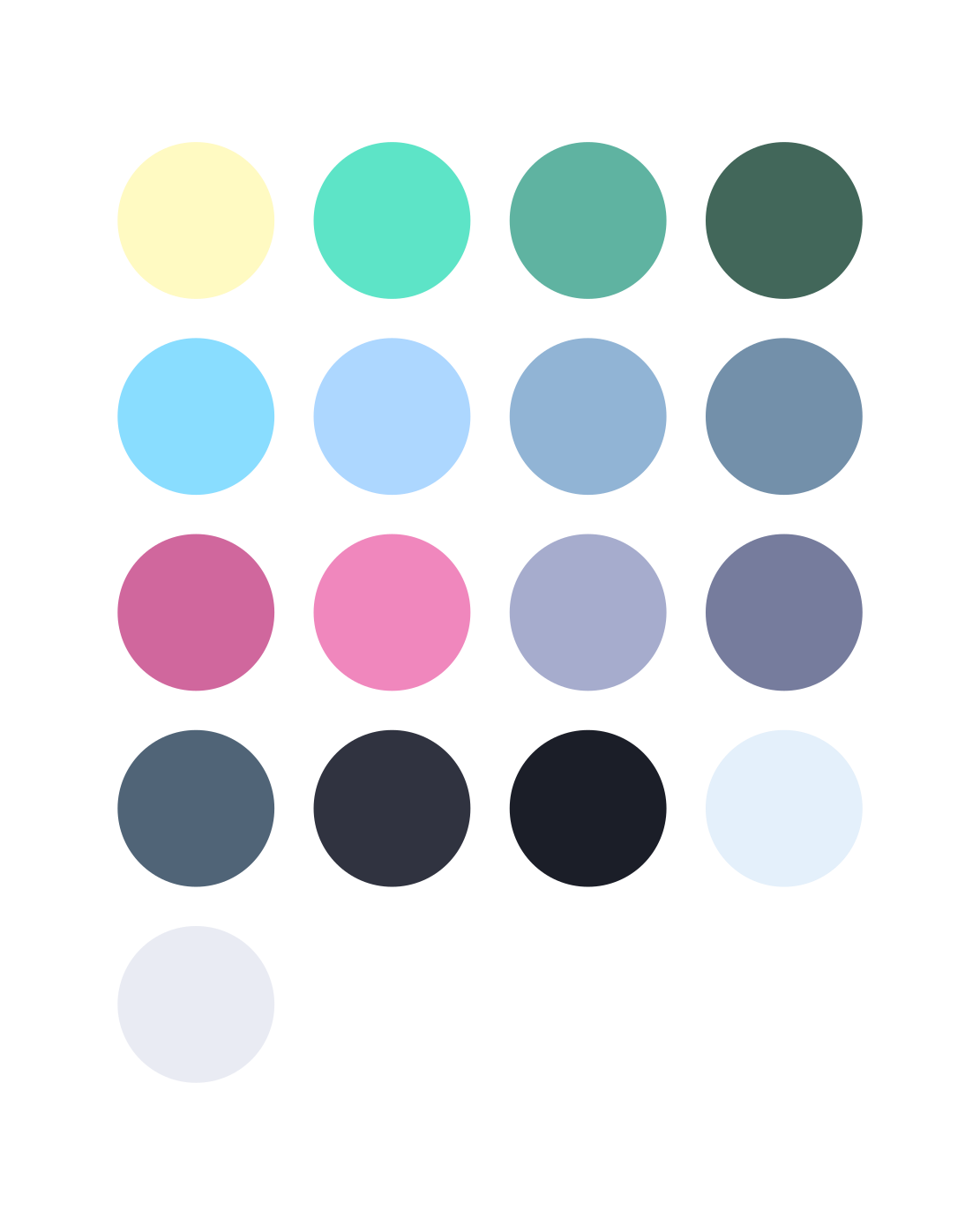

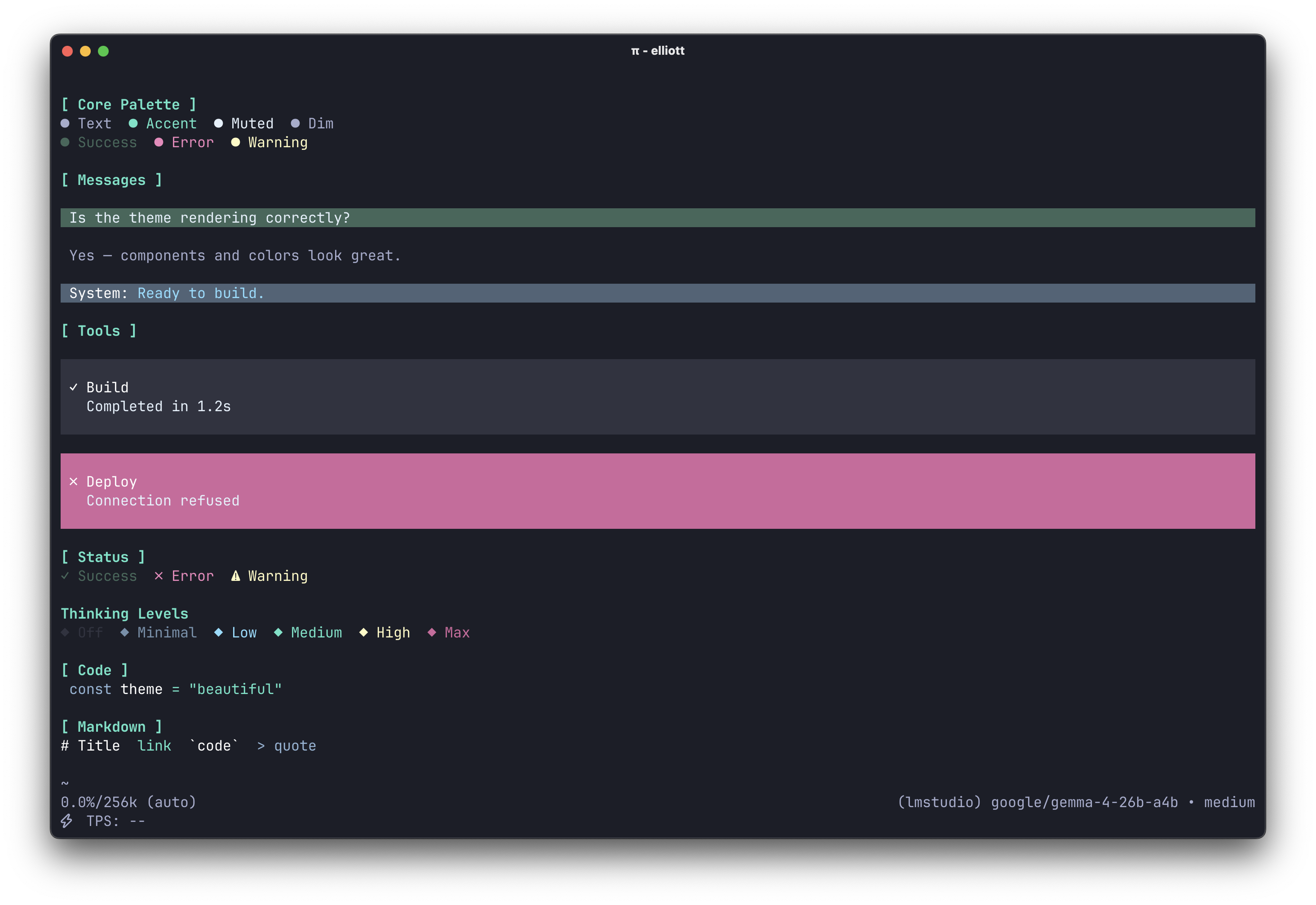
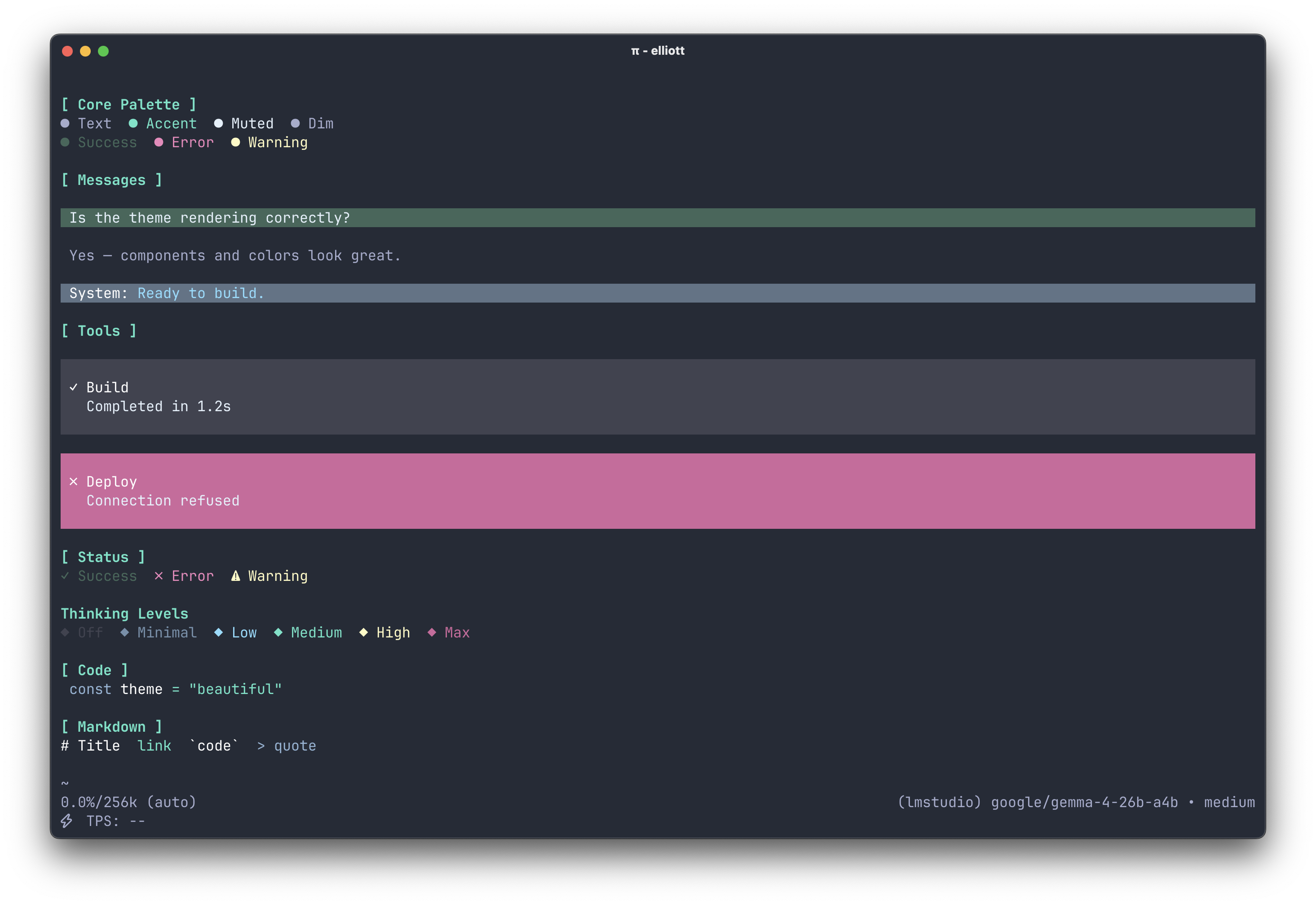
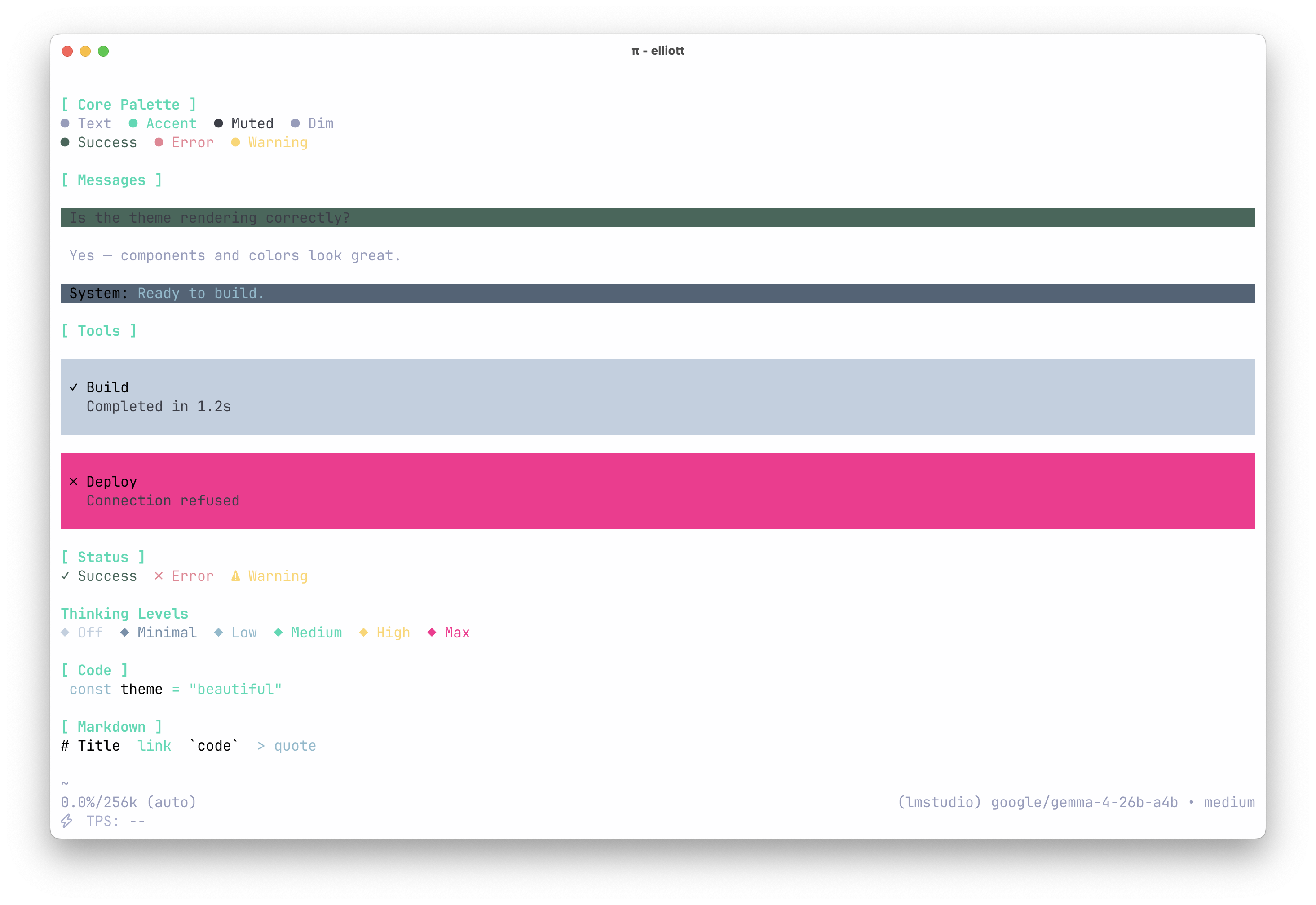
| poimandres | poimandres storm | poimandres white |
|---|---|---|
 |
 |
 |
Installation
# From npm
pi install npm:@llttlltt/poimandres-pi

# From git
pi install git:github.com/llttlltt/poimandres-pi
Then select a theme via /settings or in your settings.json:
{
  "theme": "poimandres"
}
Available theme names: poimandres, poimandres storm, poimandres white.
To try without a permanent install:
pi -e npm:@llttlltt/poimandres-pi
# or
pi -e git:github.com/llttlltt/poimandres-pi
Development
The theme files in themes/pi/ are generated from the upstream poimandres-theme VS Code source, which is included as a git submodule at poimandres-theme/.
Setup
Note:
--recurse-submodulesis required. Without it the upstream theme source will be missing and the build will fail.
git clone --recurse-submodules https://github.com/llttlltt/poimandres-pi.git
cd poimandres-pi
pnpm install
pnpm build

# Verify the generated themes are correct
pnpm test:generated
Commands
| Command | Purpose |
|---|---|
pnpm build |
Regenerate themes (lint, type-check, unit tests, and clean as a prebuild step) |
pnpm verify |
Lint, type-check, and unit tests — without building |
pnpm lint |
Fix all formatting and lint issues |
pnpm format |
Format source files only |
pnpm check |
TypeScript type-check only |
pnpm test |
Run schema unit tests |
pnpm test:generated |
Verify generated themes after a build |
pnpm clean:themes |
Delete and recreate the themes/ output directory |
🙌 Related
- poimandres-theme: VSCode version
- poimandres-terminal: macOS / iTerm / Windows Terminal version
- poimandres.nvim: Neovim version
- poimandres.zed: Zed version
- poimandres-alacritty: Alacritty version
- poimandres-iterm: iTerm version