原始内容
Mint Three.js Skills
Mint Three.js Skills helps coding agents build 3D apps and games faster. It is designed as a companion to Mint MCP
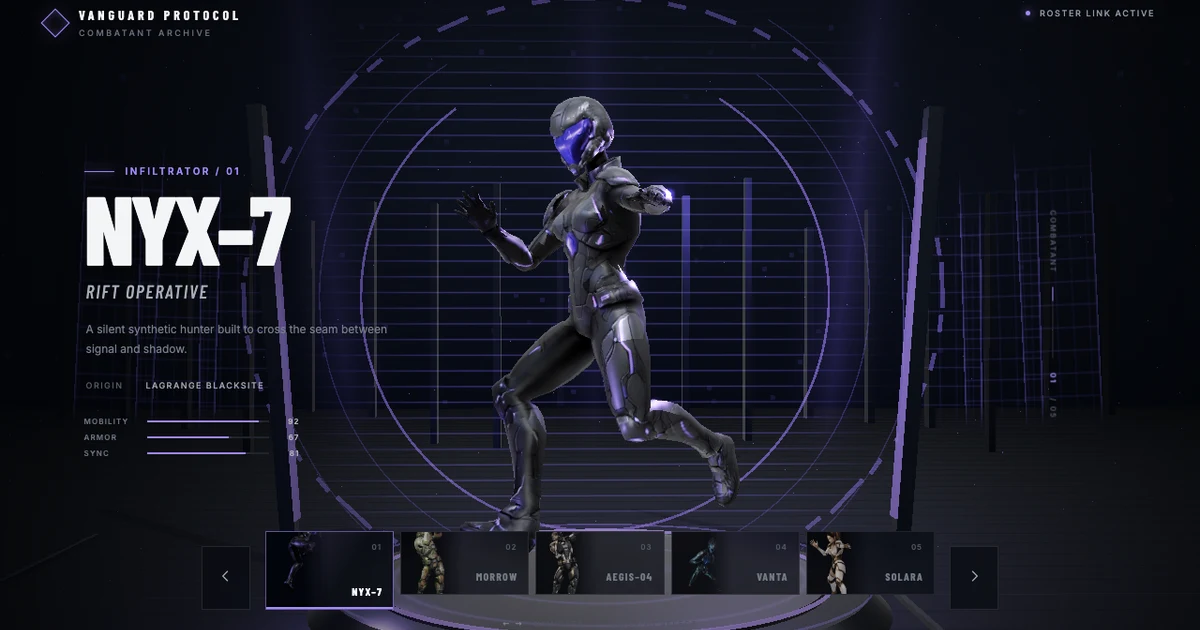
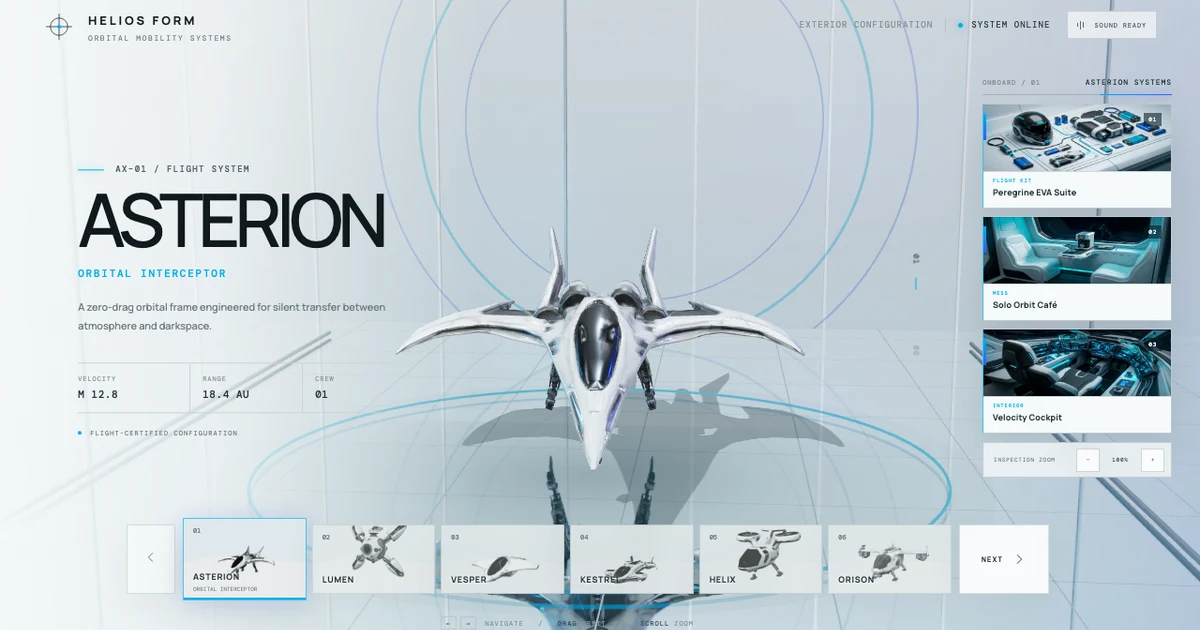
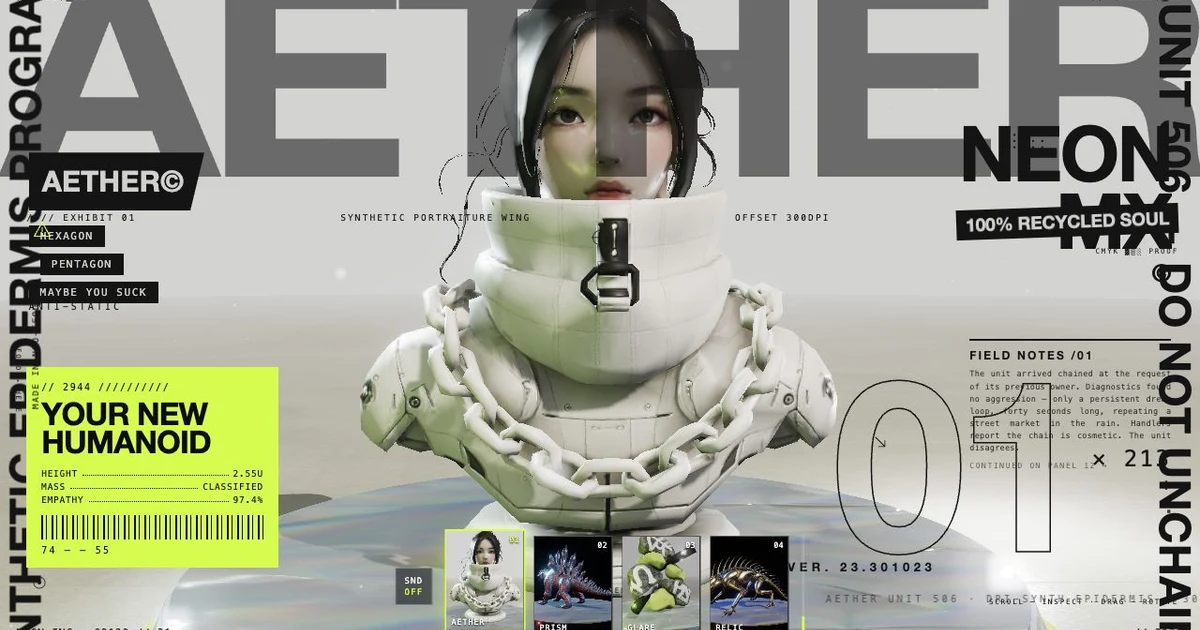

Get Started
1. Install Mint Three.js Skills
Choose your coding agent.
Codex
npx skills add mintdotgg/mint-threejs-skills -a codex -g -y
Claude Code
npx skills add mintdotgg/mint-threejs-skills -a claude-code -g -y
Cursor
npx skills add mintdotgg/mint-threejs-skills -a cursor -g -y
Other coding agents
npx skills add mintdotgg/mint-threejs-skills
2. Connect Mint MCP for 3D asset generation
Go to mcp.mint.gg and follow the instructions to install Mint MCP in your coding agent.
3. Use Mint Three.js Skills And Mint MCP
For a general 3D app:
Use Mint Three.js Skills (mint-threejs-skills) and Mint MCP to build a
responsive Three.js product configurator with model variants, material
selection, annotations, and camera presets.
For a game:
Use Mint Three.js Skills (mint-threejs-skills) and Mint MCP to build a polished
Three.js hover-racing game with a complete playable loop, responsive controls,
game UI, production assets, and release verification.
For an existing project:
Use Mint Three.js Skills (mint-threejs-skills) and Mint MCP to inspect this
project, preserve its current stack, fix the interaction and rendering issues,
and verify the changed user journey.
Acknowledgments
Mint Three.js Skills combines and adapts these open source skills. It is generalized beyond games and designed specifically for use with Mint MCP as its 3D asset production pipeline.