---
slug: "pgconsole"
source_type: "readme"
source_url: "https://cdn.jsdelivr.net/gh/pgplex/pgconsole@main/README.md"
repo: "https://github.com/pgplex/pgconsole"
source_file: "README.md"
branch: "main"
---
> [!NOTE]
> pgplex: The Postgres Toolchain for Humans and Agents - **pgconsole** · [pgschema](https://github.com/pgplex/pgschema) · [pgtui](https://github.com/pgplex/pgtui) · [pgparser](https://github.com/pgplex/pgparser)
>
> Brought to you by [Bytebase](https://www.bytebase.com/), open-source database DevSecOps platform.
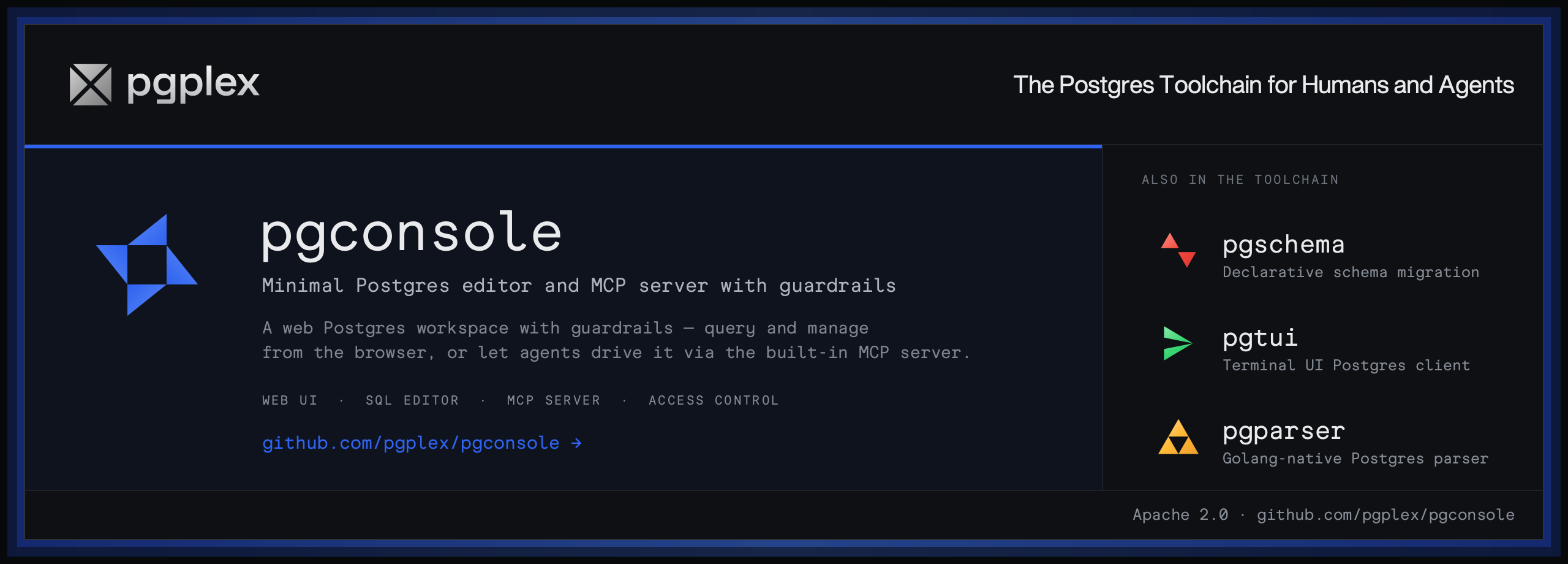
**pgconsole** is a web-based PostgreSQL editor. Single binary, single config file, no database required. Connect your team to PostgreSQL with access control and audit logging built in.
## Installation
Visit https://docs.pgconsole.com/getting-started/quickstart
### Prerequisites
- Node.js 20+
### npm
```bash
npm install -g @pgplex/pgconsole
pgconsole --config pgconsole.toml
```
### npx
```bash
npx @pgplex/pgconsole --config pgconsole.toml
```
### Docker
```bash
docker run -p 9876:9876 -v /path/to/pgconsole.toml:/etc/pgconsole.toml pgplex/pgconsole
```
Run without `--config` to start in demo mode with a bundled sample database.
## Features
### SQL Editor
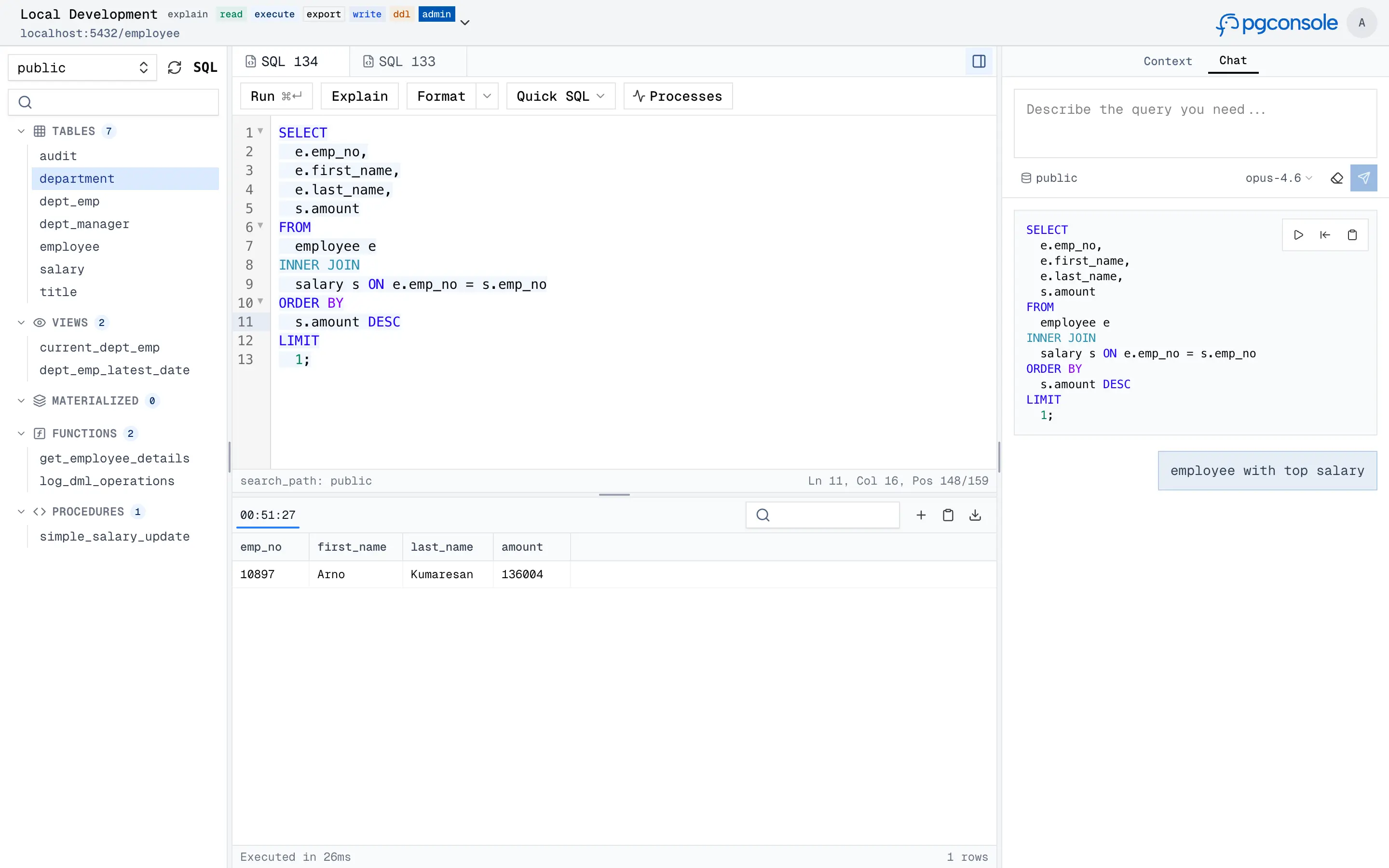
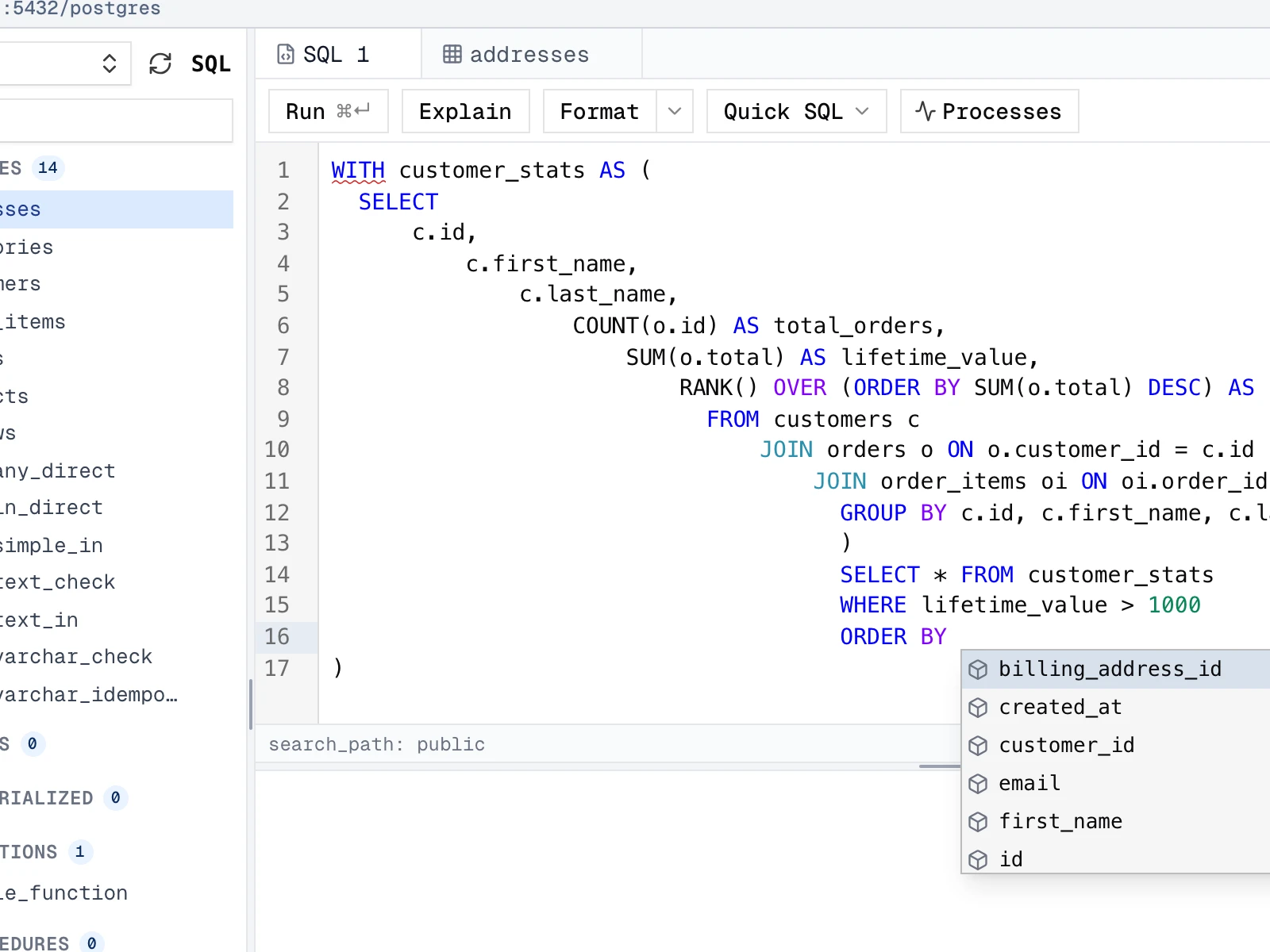
A full-featured SQL workspace for writing, running, editing, and inspecting PostgreSQL, with parser-powered intelligence in the editor.
- **Autocomplete** — context-aware suggestions for tables, columns, joins, and CTEs
- **Formatting** — pretty-print or collapse SQL to one line
- **Error detection** — red underlines with hover tooltips
- **Code folding** — collapse `SELECT`, `WITH`, and other blocks
- **Function signature help** — parameter hints as you type
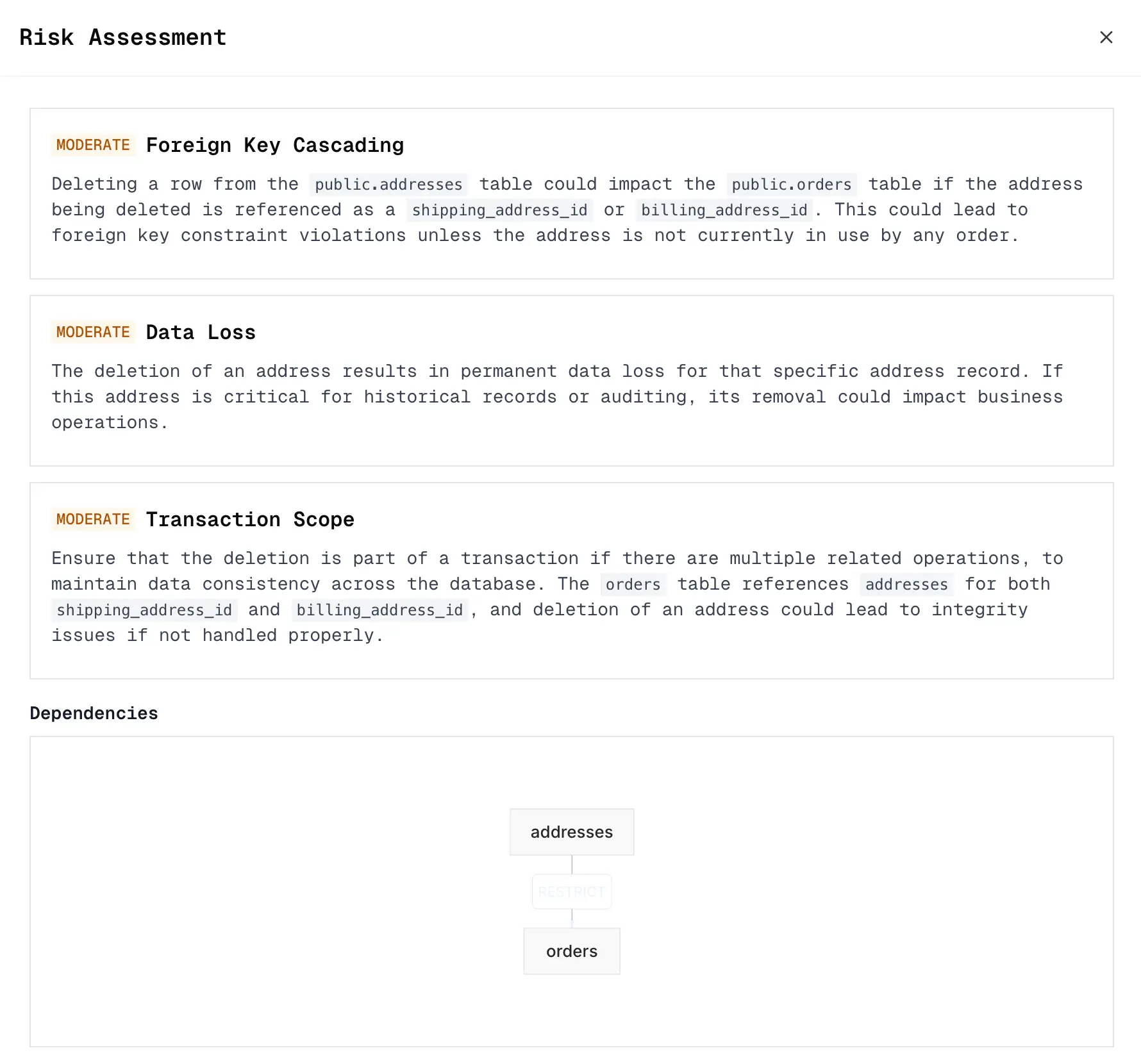
- **Result grid & inline editing** — virtual-scrolling query results with staged edits, generated SQL previews, and optional AI risk assessment before execution
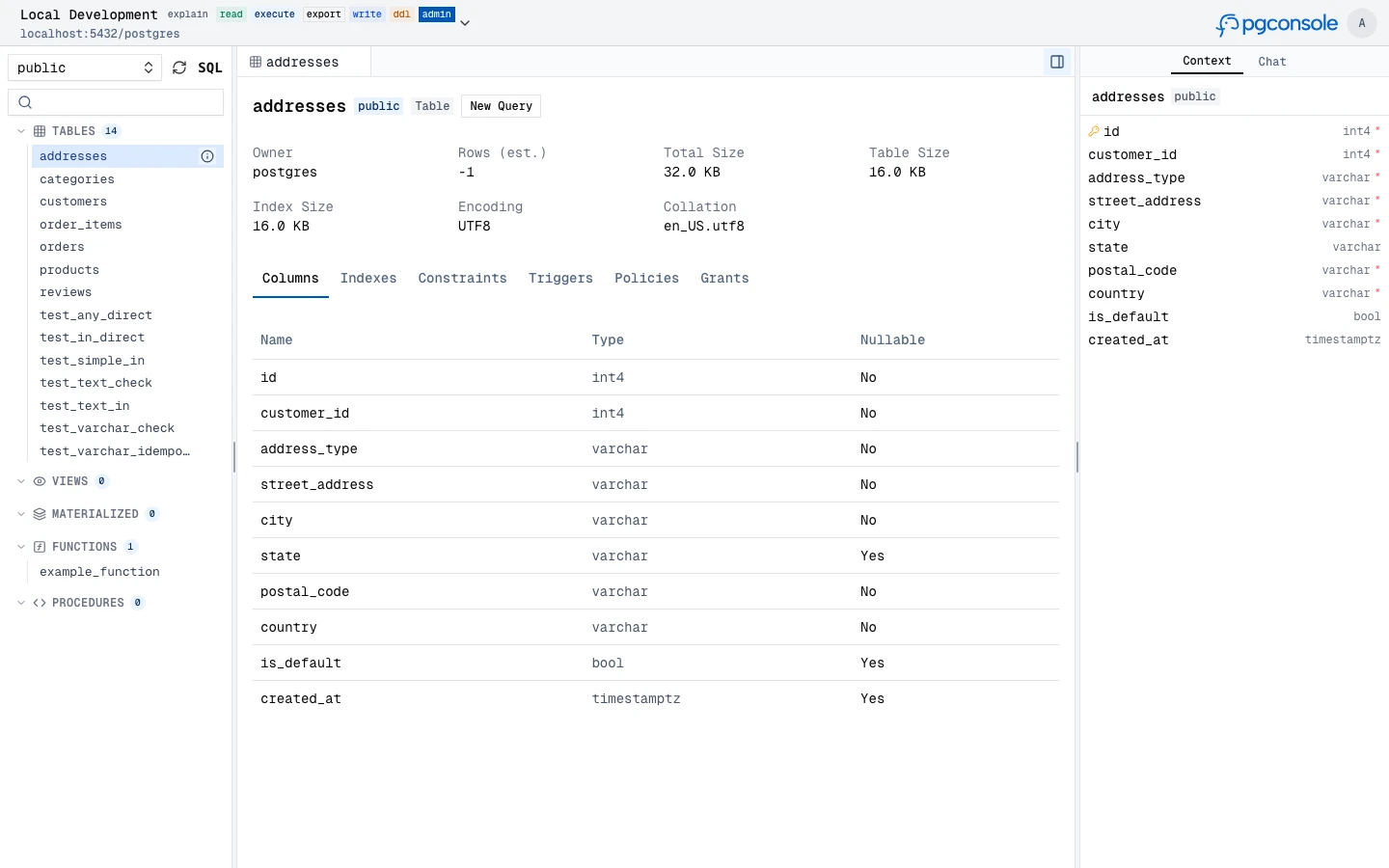
- **Schema browser** — inspect tables, views, materialized views, functions, and procedures with metadata, indexes, constraints, triggers, and grants
### AI Assistant
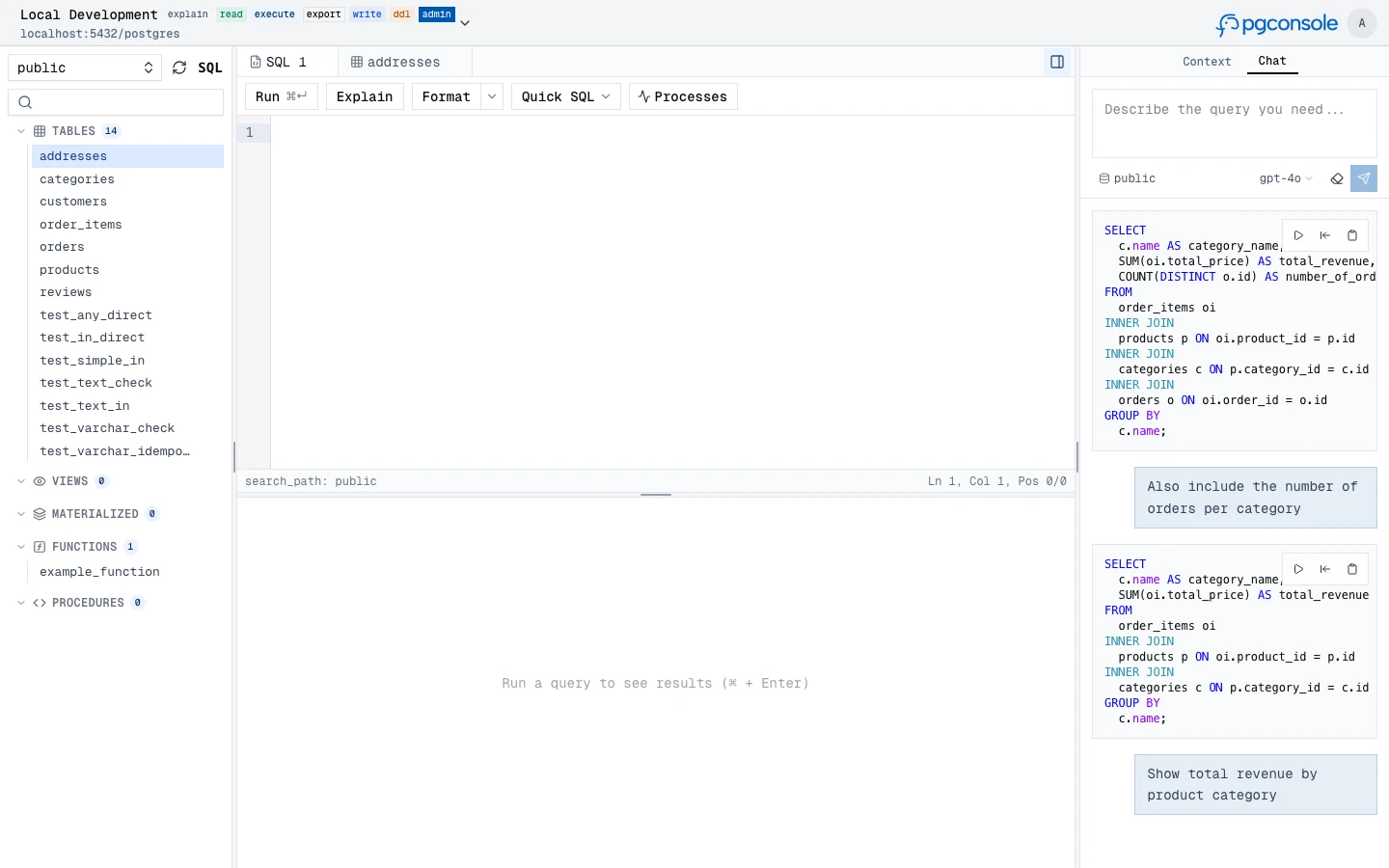
Generate, explain, fix, and rewrite SQL with an AI assistant that understands your schema context. Supports OpenAI, Anthropic, and Google providers.
- **Text-to-SQL** — describe a query in natural language, get SQL back
- **Explain SQL** — get plain-language explanations of any query
- **Fix SQL** — AI-powered error correction from inline linting
- **Rewrite SQL** — optimize queries for performance or readability
- **Risk assessment** — analyze staged changes for potential risks before execution
### MCP Server
Expose your Postgres connections to external AI agents (Claude, Cursor, IDEs, CI bots) over the [Model Context Protocol](https://modelcontextprotocol.io) — without handing out raw database credentials. Agents connect to a remote MCP endpoint and inherit the same IAM, permission, and audit controls as human users.
- **Remote & token-authenticated** — a Streamable HTTP endpoint at `/mcp`; each agent authenticates with `Authorization: Bearer `
- **Two agent kinds** — a *pure* service account (authorized by `agent:` IAM rules) or a *delegated* agent that acts on behalf of a user, optionally capped to fewer permissions or connections
- **Permission-shaped tools** — every agent can `list_connections`; catalog tools (`list_objects`, `describe_table`) appear once it has an accessible connection, and execution tools unlock per grant: `explain_query` (`explain`), `query` (`read`), `write_data` (`write`), `run_ddl` (`ddl`)
- **Same governance as the UI** — every statement runs through per-statement SQL permission detection, default-deny IAM, and the audit log
```toml
# A standalone agent, authorized via [[iam]] just like a user
[[agents]]
id = "ci-bot"
name = "CI Pipeline"
token = "generate-a-long-random-secret" # openssl rand -hex 32
[[iam]]
connection = "staging"
permissions = ["read", "ddl"]
members = ["agent:ci-bot"]
```
### Database Access Control
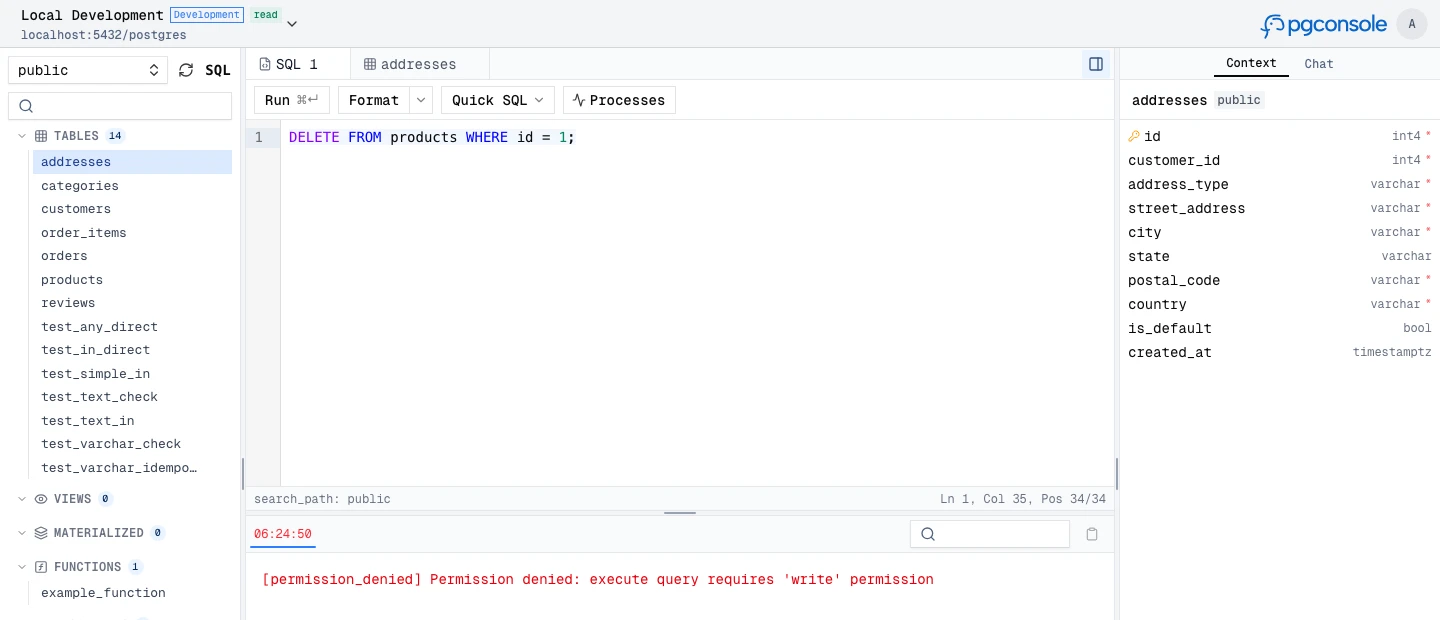
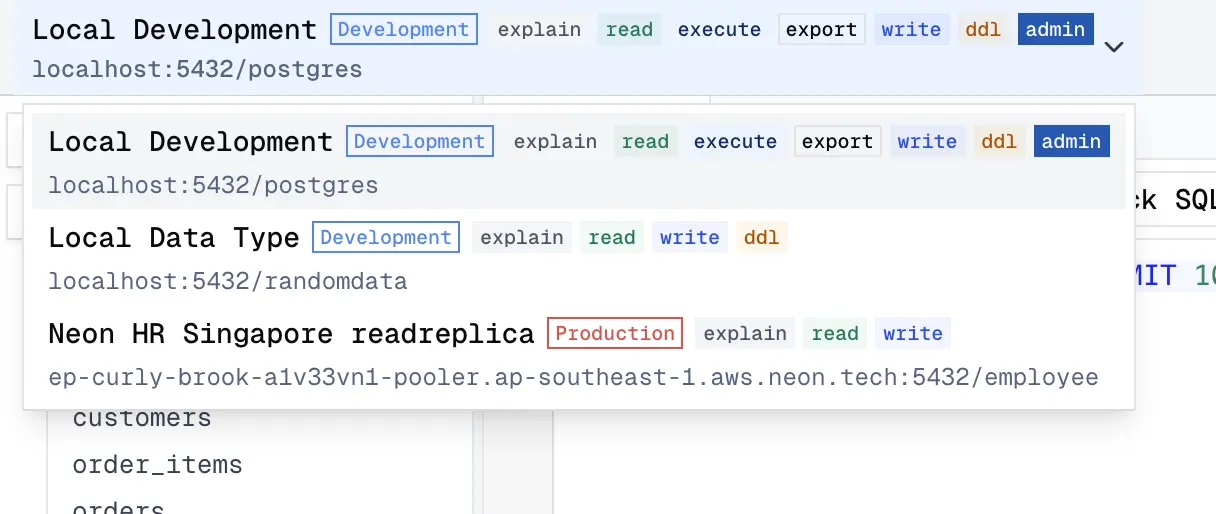
Fine-grained IAM controls who can read, write, or administer each connection. Permissions are enforced at the application layer — no database roles needed.
- **Default deny** — users have no access unless a rule explicitly grants it
- **Connection-scoped** — permissions are granted per connection, not globally
- **Disjoint permissions** — `read`, `write`, `ddl`, `admin`, `explain`, `execute`, `export` are independent
### Audit Log
Every query and login is recorded as structured JSON to stdout. Filter and forward to your log infrastructure.
```json
{
"type": "audit",
"ts": "2024-01-15T10:32:15.456Z",
"action": "sql.execute",
"actor": "alice@example.com",
"connection": "prod-db",
"sql": "SELECT * FROM users WHERE active = true",
"duration_ms": 45,
"row_count": 150
}
```
### Single-File Configuration
Everything lives in `pgconsole.toml` — connections, users, groups, access rules, AI providers. No database required.
```toml
[[connections]]
id = "production"
name = "Production"
host = "db.example.com"
port = 5432
database = "myapp"
username = "readonly"
password = "..."
[[iam]]
connection = "production"
permissions = ["read", "explain", "export"]
members = ["*"]
[[iam]]
connection = "production"
permissions = ["*"]
members = ["group:dba"]
[[ai.providers]]
id = "claude"
vendor = "anthropic"
model = "claude-sonnet-4-20250514"
api_key = "sk-ant-..."
```
## Getting Help
- [Docs](https://www.pgconsole.com)
- [GitHub Issues](https://github.com/pgplex/pgconsole/issues)
## Development
> [!NOTE]
> **For external contributors**: If you want to request a feature, please create a GitHub issue to discuss first instead of creating a PR directly.
```bash
git clone https://github.com/pgplex/pgconsole.git
cd pgconsole
pnpm install
pnpm dev # Start dev server (frontend + backend)
pnpm build # Production build
pnpm test # Run all tests
```
## Sponsor
[Bytebase](https://www.bytebase.com?utm_sourcepgconsole) - open source, web-based database DevSecOps platform.