原始内容
pi-in-zellij
🖊️ Floating editor pane
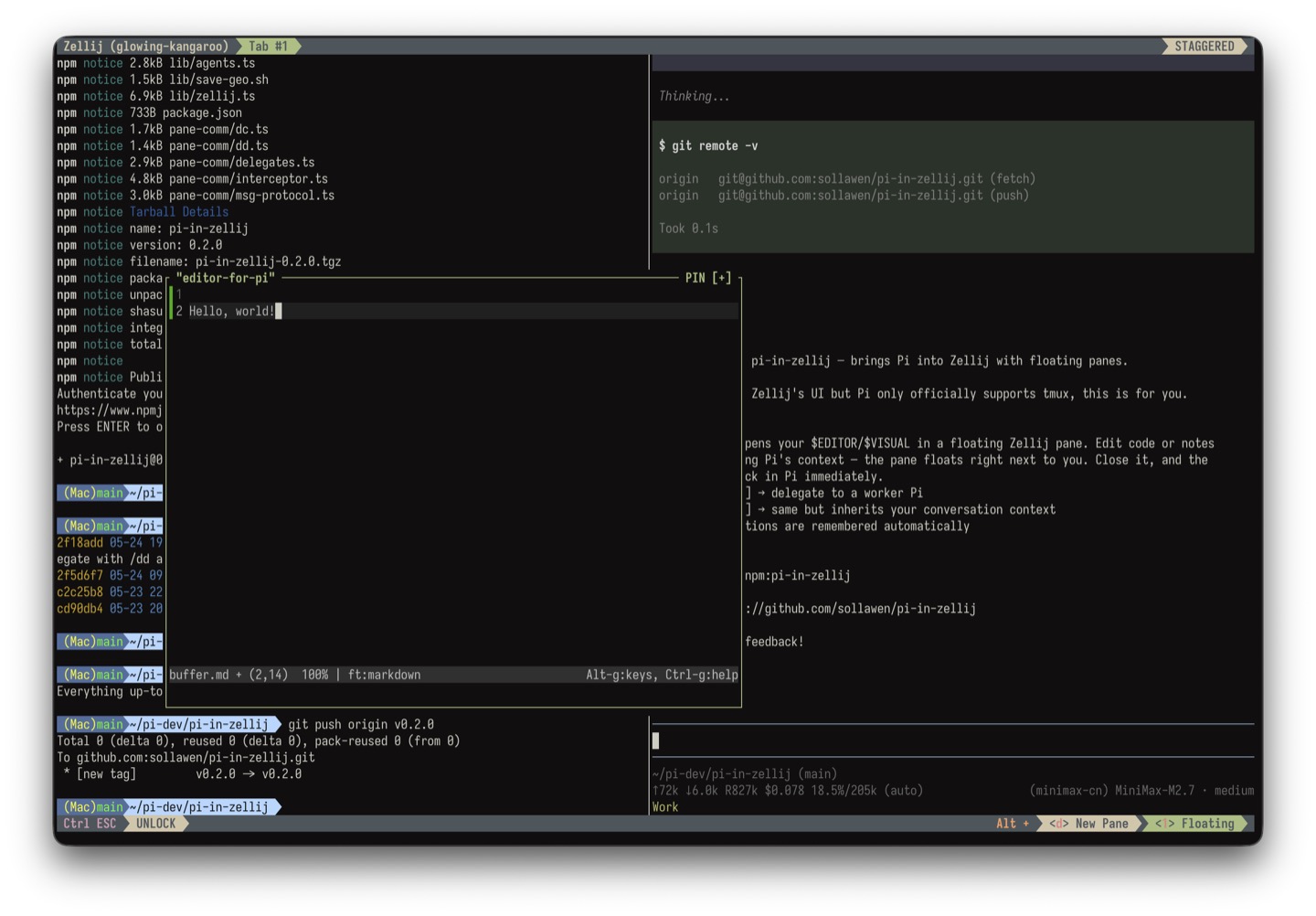
Hit alt+e and a floating editor pane appears right in your zellij. Edit code or notes while keeping Pi's full context visible beside you. No more alt-tabbing to a separate editor. And, you can move and resize this floating pane anywhere. No more losing your train of thought.
Close the pane when you're done — your edits come right back into Pi's input directly. It's just nice.
🌟 Rubbing a Magic Lamp and Making a Wish
Two Pies are better than one. Summon your favorite LLM to do that annoying thing for you — rubbing a magic lamp, making a wish, then waiting for the blue spirit...
/summon-setup— give your favorite LLM a name, like Lisa- In the main Pi, just say "have Lisa execute this plan", "let Lisa review the changes", "ask Lisa to find info about xxxx" — Lisa gets summoned into a floating pane. Simple as that
Main-Pi thinks, Worker-Pi does.
- Main-Pi runs the expensive, smart model — it thinks, plans, and coordinates
- Worker-Pi run cheaper models — searching code, writing boilerplate, reviewing PRs, checking types
- No context pollution — Worker-Pi runs in his own pane, main-Pi stays clean
- Full visibility — every Pi output streams in front of you. Interrupt if needed.
💾 Geometry memory
Pi remembers where you like your floating panes. Close a pane, open it again later — it comes back exactly where you left it. Pane positions are saved individually.
Install
pi install npm:pi-in-zellij
That's it. Restart Pi and you're ready.
Requirements
- Zellij — you're using it, right?
- Pi — obviously
- A terminal that supports floating panes (Zellij does by default)
Sollawen
email: sollawen@163.com