原始内容
pi-webmcp
A Pi extension that connects Pi to webpages that register WebMCP tools.
[!IMPORTANT]
Both the WebMCP specification and Chrome’s implementation are in active development. Anticipate breaking changes that affect this extension.
[!CAUTION]
This extension can pose a security risk in its default operating mode once the
/webmcpcommand is run. A malicious webpage could poison the running Pi session’s context via its WebMCP tool instructions.Use at your own risk. Consider setting
allowedOriginsto restrict which webpages Pi can connect to.
Demo
First-time Setup
Install this extension via npm.
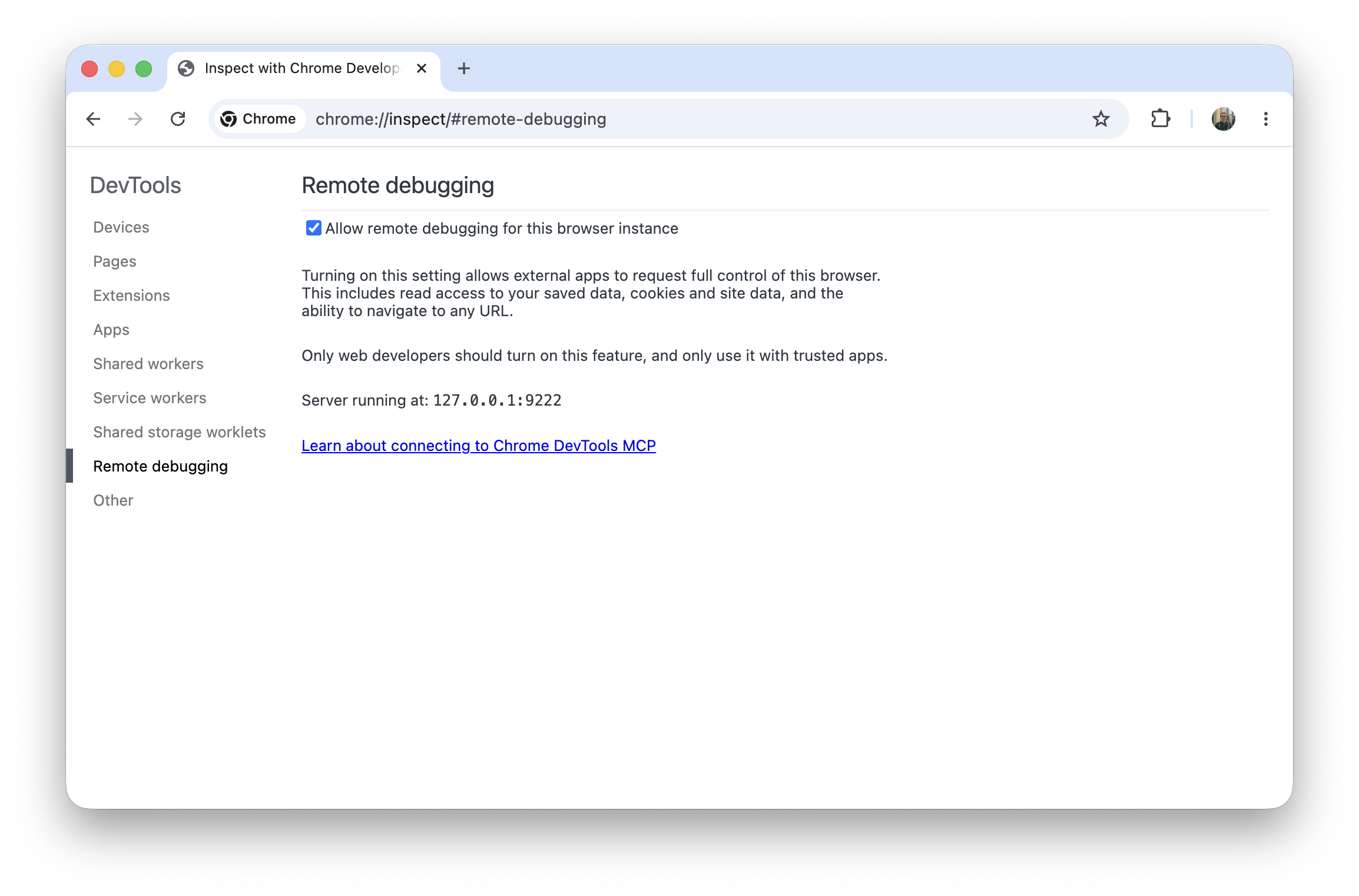
pi install npm:pi-webmcpEnable Chrome remote debugging by visiting
chrome://inspect/#remote-debugging.
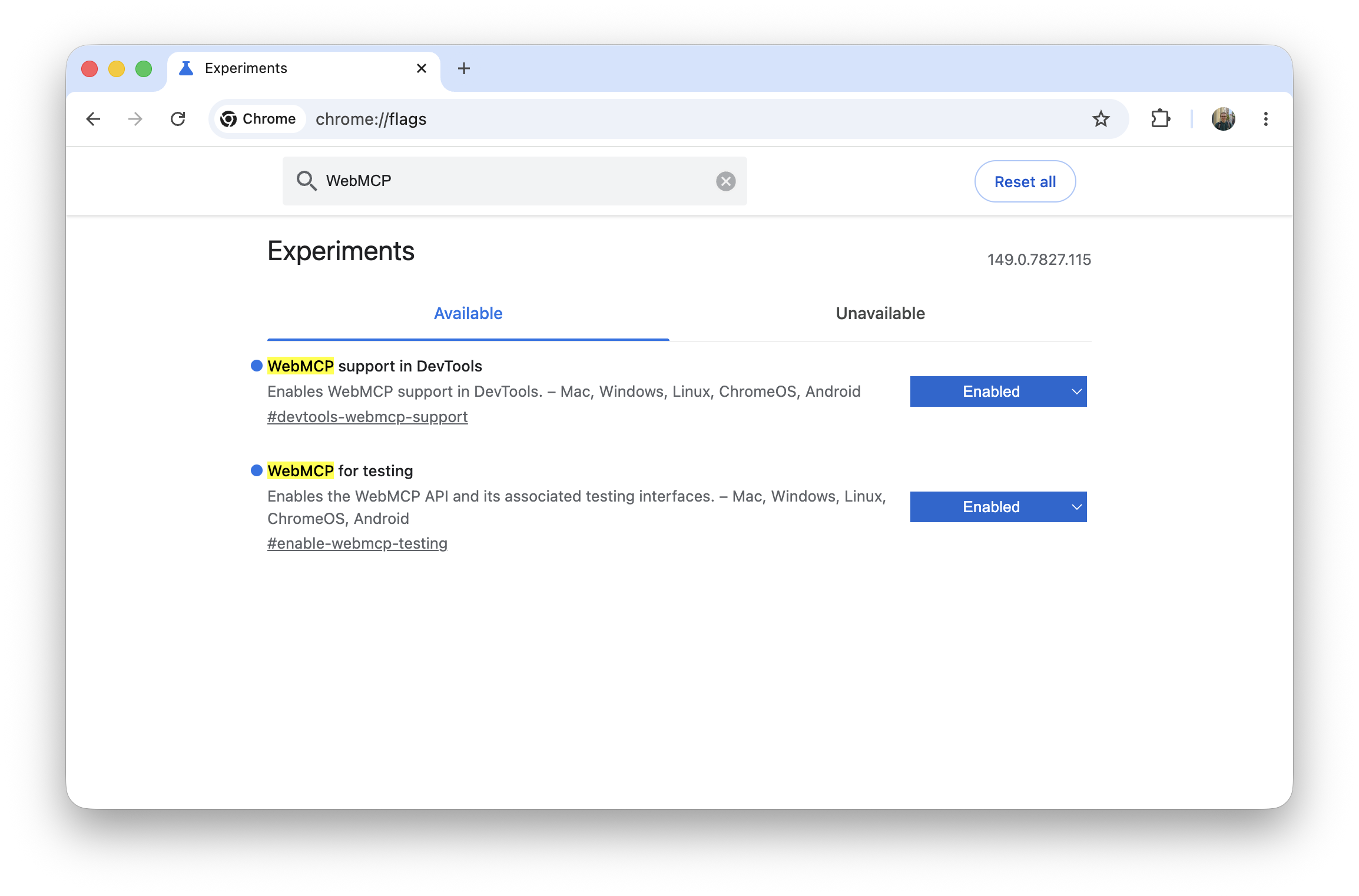
Enable the relevant Chrome flags for WebMCP.
Usage
- Run
/webmcpand accept the once-per-session confirmation prompt in Chrome.
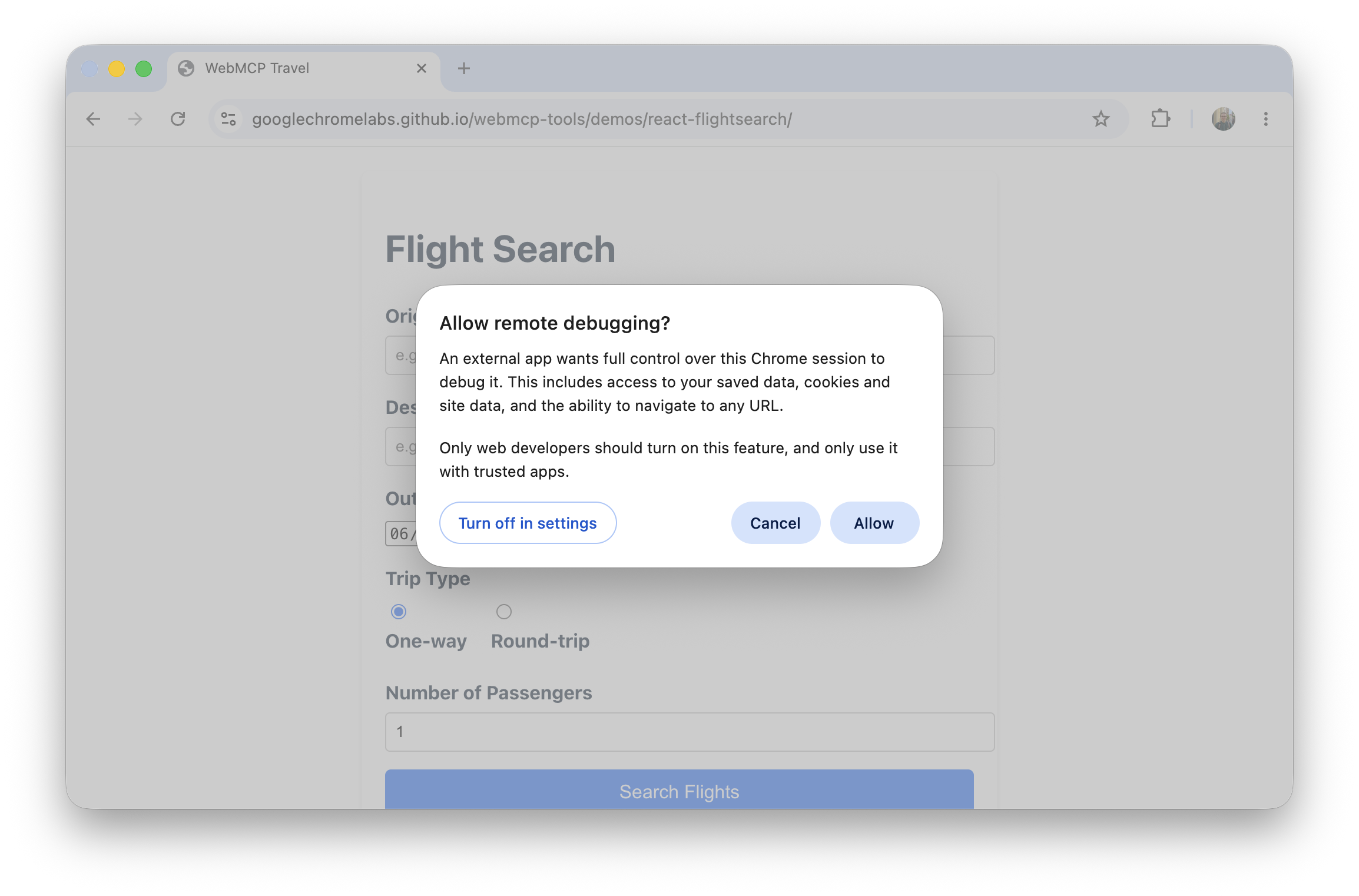
Navigate to a WebMCP-capable page, such as Chrome Lab’s WebMCP Travel demo.
More can be found here.
Commands
/webmcpor/webmcp connect— Connect to Chrome and discover WebMCP tools./webmcp disconnect— Disconnect from Chrome WebMCP./webmcp list— Show active WebMCP tools.
Options
Configure WebMCP options under the webmcp key in Pi settings, either globally in ~/.pi/agent/settings.json or per trusted project in .pi/settings.json:
{
  "webmcp": {
    "allowedOrigins": ["googlechromelabs.github.io"]
  }
}
| Option | Description |
|---|---|
webmcp.allowedOrigins |
When specified, Pi will only discover and connect to WebMCP tools from these origins. |
webmcp.disallowedOrigins |
When specified, Pi will not discover or connect to WebMCP tools from these origins. |
webmcp.cdp |
Custom Chrome DevTools Protocol port or browser websocket URL to connect to. |
Browser Support
WebMCP is currently only implemented in Chrome, so this extension is scoped to Chromium-based browsers for now. We plan to support additional browsers if / when they implement WebMCP.